2026/10/07
Plan a three-shot café film before you generate the video
A concrete shot list for a rainy café scene, with identity anchors, motion prompts, continuity checks, and a restrained finishing workflow.
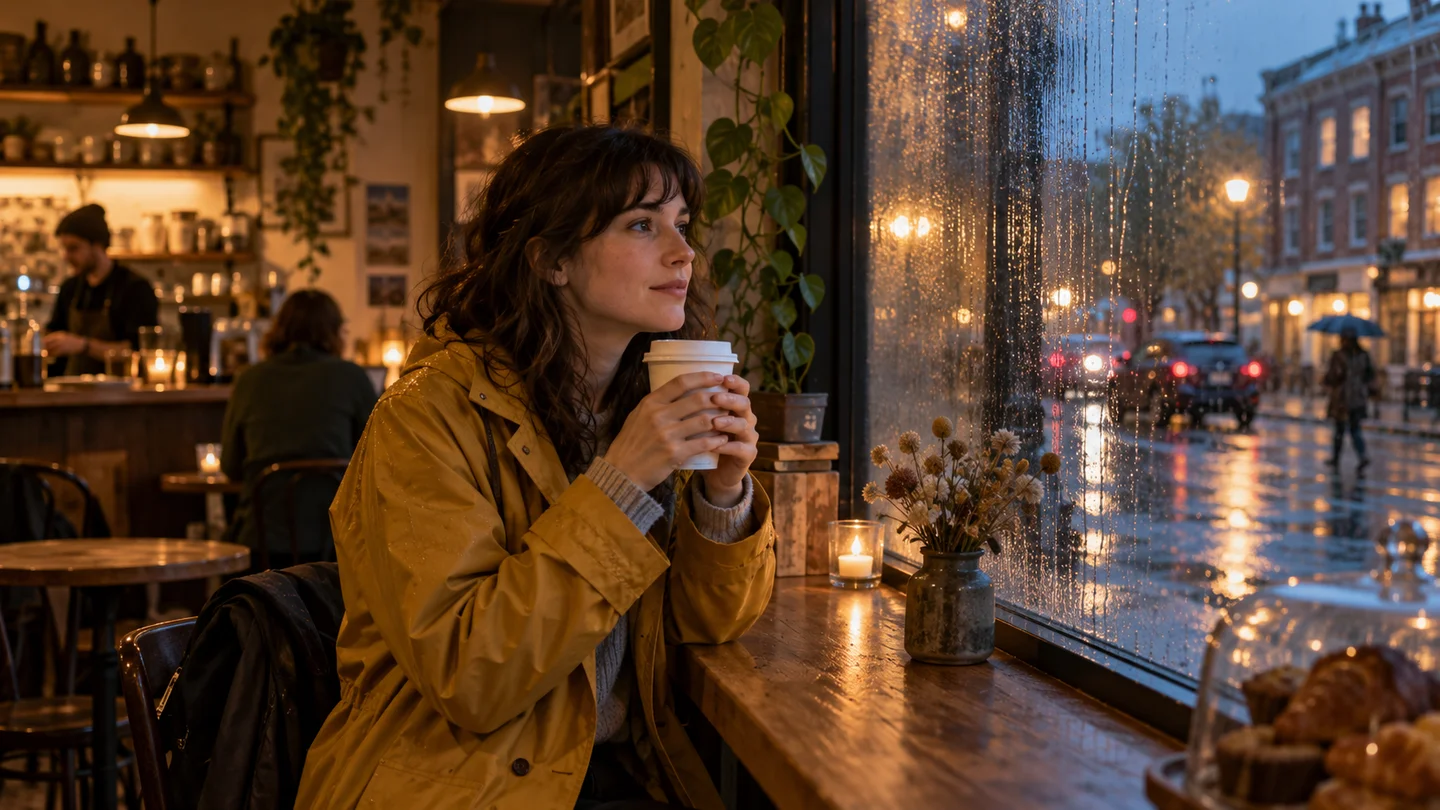
Illustration: generated with Codex for this tutorial. Not a Nano Banana 2.1 output or a product screenshot.
A short film needs a sequence, not just three attractive pictures. For this example, the story is small: someone shelters from rain, notices the street, and prepares to leave. The visual decisions should make that progression readable.
The café image above is a Codex-generated teaching illustration. The shot list below is a production plan, not a claim that the shots have been rendered by Nano Banana 2.1 or tested through a video provider.
Write the continuity note first
Before preparing frames, lock the details that need to survive the edit: mustard raincoat, dark curls, plain white cup, window on the subject’s right, warm light inside, cool light outside. Write down where the subject looks. Decide which hand holds the cup and keep that choice in the references.
These details do not make the scene interesting by themselves. They prevent the cut from feeling like it jumped to another person or another café. You can change the camera distance while retaining them.
Read the storyboard as a sequence
Read these frames from top to bottom: arrival, a pause over coffee, then departure. The mustard coat, curly hair, white cup, rainy street, and warm cafe lighting give you concrete continuity anchors.
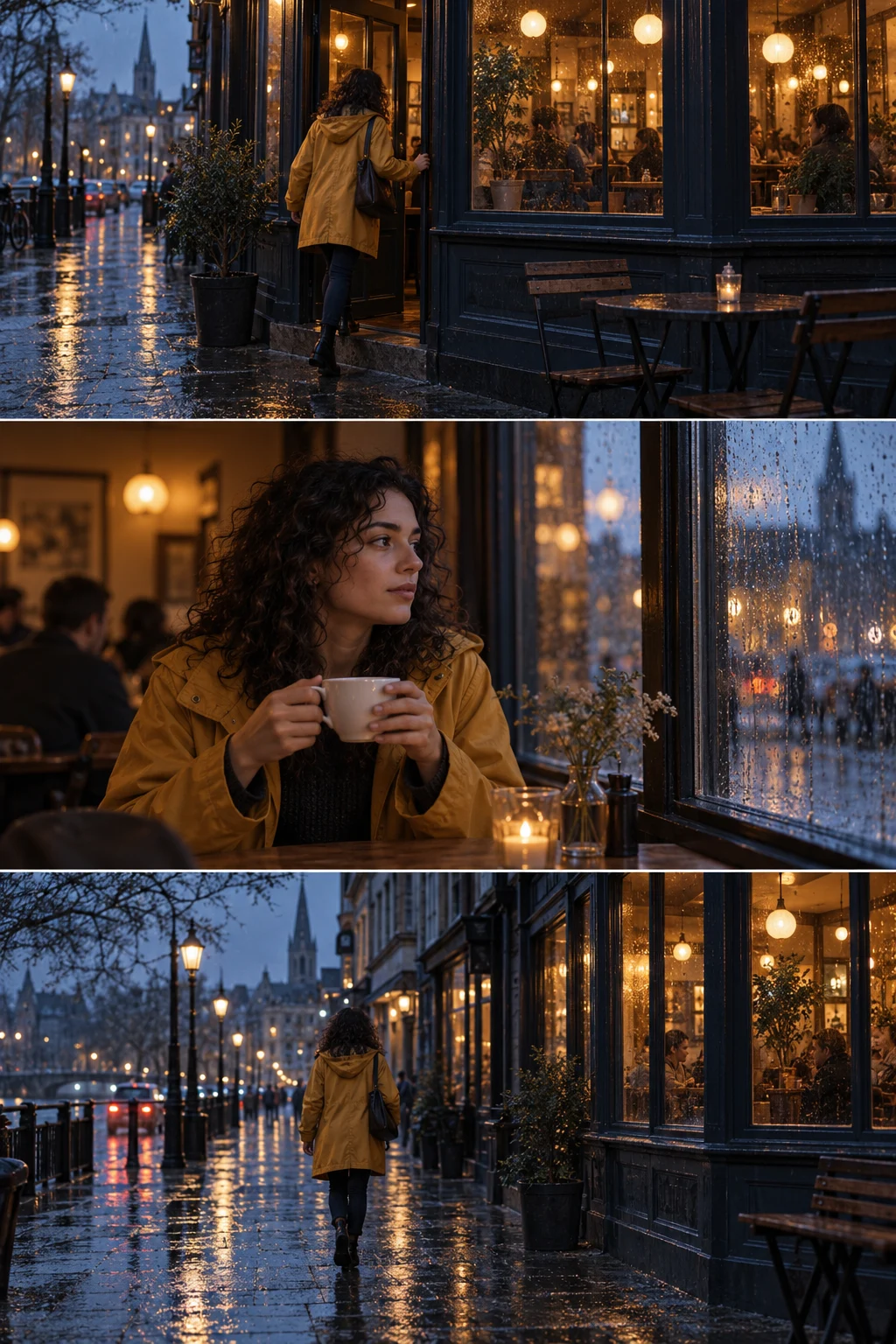
Codex-generated tutorial example; not a Nano Banana 2.1 model result or a product screenshot.
Prompt to adapt
Three reference frames for one rainy cafe scene. Keep the same curly-haired woman in a mustard coat. Frame 1: wide exterior, entering the cafe. Frame 2: medium interior, holding a white cup beside the window. Frame 3: wide exterior, walking away. Keep the weather and blue-hour lighting consistent. No captions.
What to inspect
Compare clothing and hair across all three frames. Then compare window shapes, rain, and the direction of the street. These stills cannot establish motion quality; inspect flicker and changing faces only on an actual video export.
For an animation brief, describe one movement per shot: step toward the door, lift the cup, walk down the street. Keep camera motion modest. Check the generated clip before using FlashVSR to enlarge it; enlargement cannot repair an inconsistent scene.

Workflow diagram: a proposed sequence, not a recorded product run.
Shot one: explain the place
Use a wide interior view that includes the window, table, and subject. The action can be almost still: settling the cup on the table while rain moves outside. Give the frame a clear foreground and background, and keep the important subject inside the safe crop.
Wide café interior at rainy blue hour. The same woman in a mustard
raincoat sits beside the window with a plain white cup. Warm practical
light inside; cool street outside. Keep the window and table visible.
Motion: a very slow camera drift, with the subject largely still.
Review the table edge and cup placement. If either moves unexpectedly, choose another clip or reduce the camera movement. Do not build the next shot around a reference you already know is unstable.
Shot two: show the decision
Move to a medium close-up. The subject looks toward the street, with the cup still visible. Keep the light direction from shot one. Ask for a restrained head turn rather than a complicated gesture.
The reference can be prepared in an independent image workspace such as Nano Banana 21, using whichever suitable model is explicitly available. Preserve the same identity note with every request. Google’s model card is useful context for image consistency limits; it does not validate the later animation.
Shot three: give the scene an ending
A view toward the café exit or the wet street is enough. You do not have to show a complete walking action if it introduces obvious body or clothing drift. An exterior detail shot can provide a cleaner ending while retaining the rain, color palette, and location cues.

Use these checks on your own export.
Cut first, enhance second
Put the three draft clips in the intended order. Check whether the second shot’s gaze makes sense after the first, whether the coat remains the same color, and whether the rain and time of day agree. Shorten a weak action rather than keeping it because generation took effort.
Choose the shots at their original quality. Then use the FlashVSR workspace for a finishing pass where appropriate. Compare motion edges and fine detail before accepting the export; a sharper frame is not automatically the better version of a moving shot.
Read our reference-frame guide if the source stills are the weak part of the workflow. Keep the shot list, approved references, original clips, and final sequence together. That small production folder makes another edit much easier than trying to reconstruct the project from the finished video.
작성자